Physical Address
Arthur Avenue , BrookField , ILLINOIS , 60513 , United State
Physical Address
Arthur Avenue , BrookField , ILLINOIS , 60513 , United State

Last Updated: July 2026
| Quick Information | |
|---|---|
| Software Name | JCB ServiceMaster 4 |
| Developer | JCB |
| Category | Dealer-Level Construction Equipment Diagnostic Software |
| Supported Equipment | Backhoe Loaders, Excavators, Telehandlers, Wheel Loaders, Skid Steers, Compact Equipment |
| Main Purpose | Electronic diagnostics, fault finding, calibration and maintenance support. |
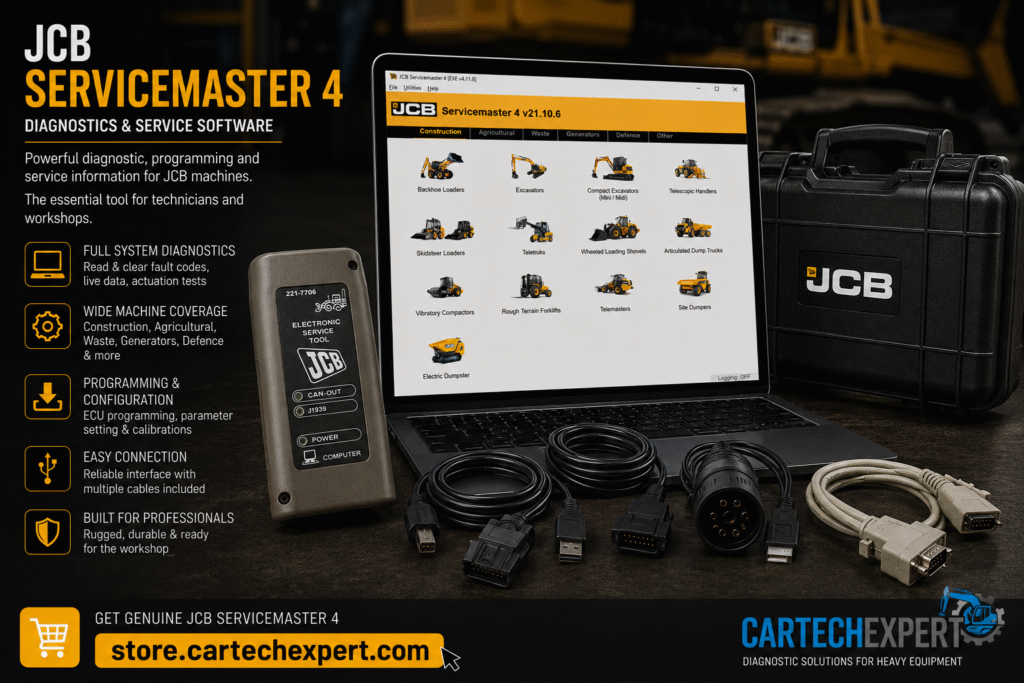
JCB ServiceMaster 4 is the official diagnostic software used by service technicians to diagnose, configure and maintain many electronically controlled JCB machines. It provides access to compatible electronic control modules, live operating data, diagnostic trouble codes and supported service procedures.
ServiceMaster communicates with supported machine controllers using approved communication interfaces. It helps technicians troubleshoot machine faults, monitor sensors and perform maintenance operations on compatible JCB equipment.
| Machine Family | Typical Models |
|---|---|
| Backhoe Loaders | 3CX, 4CX series |
| Hydraulic Excavators | JS Series |
| Telehandlers | Loadall Series |
| Wheel Loaders | TM & 411/427 Series |
| Skid Steers | Selected models |
| Compact Equipment | Mini excavators and compact loaders |
| Controller | Purpose |
|---|---|
| Engine ECU | Engine management |
| Transmission Controller | Powertrain control |
| Hydraulic Controller | Hydraulic functions |
| Body Controller | Machine systems |
| Display Controller | Operator interface |
| Function | Availability |
|---|---|
| Read/Clear Fault Codes | Supported |
| Live Data Monitoring | Supported |
| ECU Identification | Supported |
| Active Tests | Supported on compatible systems |
| Calibrations | Model dependent |
| Service Functions | Supported |
Yes. Supported machines provide real-time operating information for troubleshooting.
Many JCB Loadall telehandlers are supported depending on model and controller generation.
Intermittent faults are often caused by damaged wiring, poor grounds or connector contamination rather than failed ECUs. Verify the electrical system before replacing expensive components.
JCB ServiceMaster 4 is an essential diagnostic solution for maintaining compatible JCB equipment, helping technicians improve diagnostic accuracy and reduce machine downtime.
