Physical Address
Arthur Avenue , BrookField , ILLINOIS , 60513 , United State
Physical Address
Arthur Avenue , BrookField , ILLINOIS , 60513 , United State

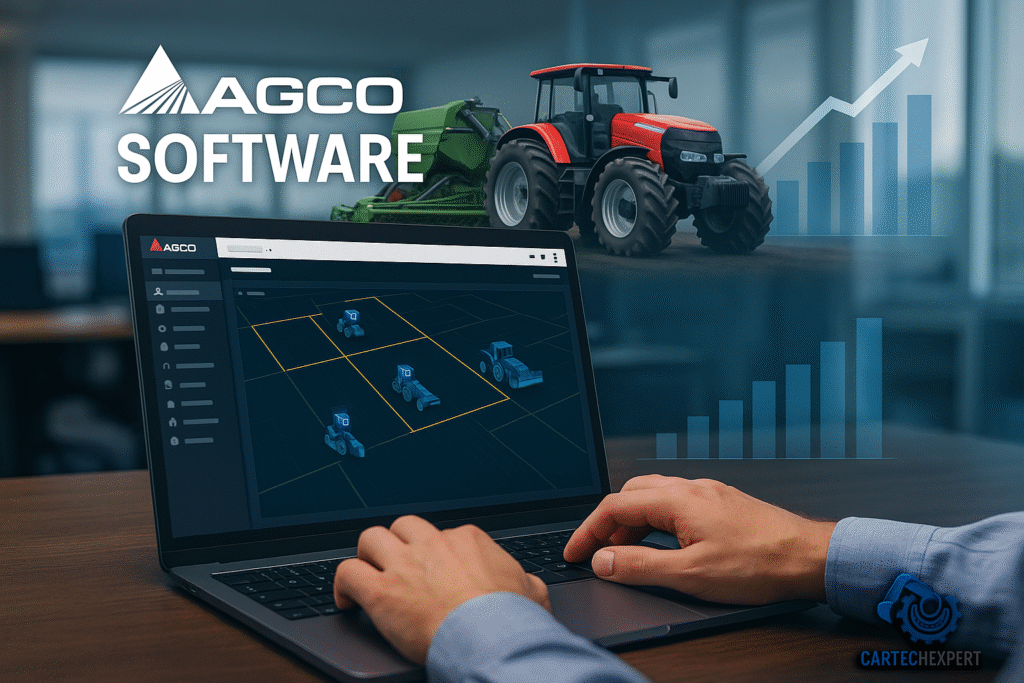
A technical guide for engineers, technicians and workshop managers — tools, workflows, and practical benefits of AGCO diagnostic software.
The sound is unmistakable: a low, labored cough from a diesel under load, the slight hesitation when torque should be instantaneous. In that suspended instant—on a roadside at dawn, or beneath fluorescent lights in the shop—time is measured in decisions. Plugging into an AGCO diagnostic port is more than connecting hardware; it is giving the machine a voice. Faults translate to data, uncertainty becomes a diagnostic pathway, and a technician’s experience is amplified by tools designed to reveal the true state of complex mechanical and electronic systems. This guide brings that practical, human moment into the technical detail you need to act with speed and confidence.
AGCO is widely recognized for delivering OEM-level diagnostic capability and technical documentation across agricultural and heavy machinery systems. For heavy-construction-focused service teams, AGCO’s diagnostic ecosystem provides access to the machine’s electronic control units (ECUs), system schematics, localized technical data, and tools that enable deep fault analysis, calibration and firmware management. That combination is essential where mechanical complexity and electronic control intersect—engines, transmissions, hydraulics, telematics and after-treatment systems.
The AGCO regional databases supply authoritative technical documentation and reference materials tailored to regional machine variants (North America, South America, Europe / UK). These databases are the foundation of accurate repairs because they align parts, wiring, and procedures with the exact production and regulatory configuration of the machine in the field.
Technicians use the databases to confirm parts before ordering, validate wiring during complex electrical repairs, and follow OEM-prescribed procedures for calibrations. Integrating database lookups into standard job cards reduces rework, avoids incorrect part installs, and speeds up complex troubleshooting tasks.
Buy AGCO AGRICULTURAL DATABASEs — store.cartechexpert.com
AGCO EDT is the primary interactive diagnostic software used to interrogate ECUs and on-machine controllers. It offers a full set of readouts, bi-directional controls and parameter access for electronic and electromechanical systems.
Begin with a vehicle or machine profile, connect via the OEM interface adapter, and establish a communication session. Use live data to verify sensor response under load, run actuator tests to isolate mechanical faults, and capture a session log to attach to repair records or escalate to OEM support.
Buy AGCO EDT — store.cartechexpert.com
Service Analyzer is optimized for ECU configuration, firmware/flashing operations and guided calibration tasks. It’s the technician’s primary tool when replacing control modules or applying software updates that change machine behavior.
Before module replacement, back up existing ECU data. Use Service Analyzer to upload OEM-approved firmware and follow the built-in calibration steps. Always confirm post-flash behavior via a validation session using EDT or live data checks.
Buy AGCO Service Analyzer — store.cartechexpert.com
WINEEM4 concentrates on engine and powertrain diagnostics — exhaust after-treatment events, regeneration management, fuel system parameters and injector-level analysis.
Use WINEEM4 for pre- and post-repair verification on engine systems, to confirm successful DPF repair or regeneration, or when diagnosing performance issues tied to fuel delivery and turbocharging systems.
Buy WINEEM4 Service Tool — store.cartechexpert.com
By combining live data with module-level tests and OEM documentation, AGCO tools reduce time-to-fault isolation and minimize unnecessary parts replacement.
Faster, more accurate repairs reduce machine downtime and protect long-term component life using correct calibration and software versions aligned to OEM specifications.
Accurate control over after-treatment and emissions-related systems helps ensure regulatory compliance while preventing dangerous failure modes.
AGCO software is typically licensed per-seat or by subscription for database access and software updates. Workshops should centralize license management and assign clear responsibility for renewals to avoid service interruptions.
AGCO’s diagnostic suite—databases, EDT, Service Analyzer and WINEEM4—forms a comprehensive toolkit for modern heavy-equipment maintenance. These solutions provide the practical visibility and control necessary for fast, accurate repairs and for preserving machine longevity.
Purchase or review licenses and related tools at our store (each software title listed above has a dedicated purchase page):
Visit store.cartechexpert.com — Purchase AGCO tools & accessories
